
Ever thought your Facebook ads might be saying more than you think? Without a solid plan, you could easily miss those little clues that add up to big profits.
In this piece, we'll walk you through five simple ways to check your campaign results. Picture this: turning raw data into clear, actionable steps that boost your performance. It’s like switching from guessing to making smart moves with every click.
Imagine each click transforming into a win. Sounds good, right? Let’s dive in and see how your ads can work smarter, turning everyday insights into real growth.
Step-by-Step Facebook Ads Campaign Analysis Process

When it comes to Facebook ads, having a clear process makes all the difference. It shows you exactly where your campaign shines and where it needs a little boost. This clear picture transforms random metrics into smart steps you can take.
Facebook Ads Manager makes this journey simple and straightforward. Its flexible report columns let you tailor your tracking to hit your unique goals. That means you rely on real numbers rather than guesses, paving the way for steady, profitable growth.
- Set specific ad goals that line up with your larger objectives.
- Decide on a daily or lifetime budget – think $20 a day or a one-time $300 option – to keep things on track.
- Find and reach the audience that will really connect with your message.
- Pick your ad placements, either automatically or by hand, based on where your audience hangs out.
- Check your ad visuals, headlines, and call-to-action messages to ensure they pop.
- Use the Breakdown menu to split up performance data and schedule custom reports so you always know what’s working.
Once you’ve reviewed your findings, let them guide your next moves. Focus on the metrics that truly matter and try A/B testing different elements. This constant check-in helps your strategy evolve in real time, steering your campaign toward even greater profits.
Essential Metrics for Facebook Ads Campaign Analysis
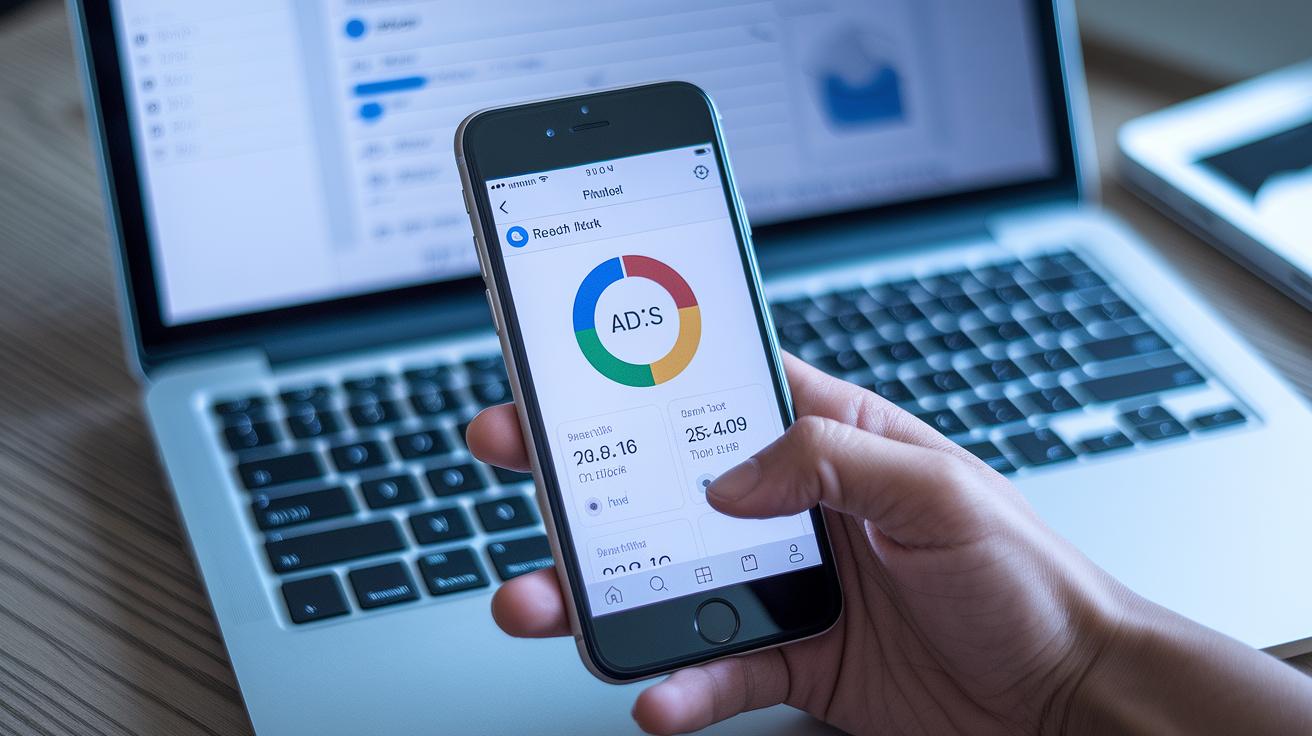
When you're running Facebook ads, every number tells a story. By keeping an eye on indicators like reach, impressions, clicks, and conversion rates, you get a clear picture of how your campaigns are really performing. It’s like watching the pulse of your digital presence, where every metric offers a clue on what’s working and what might need a little extra attention.
| Metric | Definition | Benchmark Value |
|---|---|---|
| Reach | The number of unique users who saw your ad | Varies with campaign size |
| Impressions | The total times your ad appeared | Median-based sample data |
| Clicks | How many times users clicked on your ad | Depends on engagement |
| CTR | (Click-through rate) Percentage of clicks per impression | 1.0% |
| CPC | (Cost per click) What you spend for each ad click | $1.50 |
| CVR | (Conversion rate) Percentage of clicks that lead to actions | 7% |
| ROAS | (Return on ad spend) Earnings for every dollar spent | 2.5x |
Think of metrics like CTR and CVR as a pulse check on your audience. A high CTR means your ad is really resonating, while a solid conversion rate tells you that users are taking meaningful actions after clicking. And when you break down costs per click (CPC) against how much revenue your ad drives (ROAS), you get a good sense of whether your spending is on point. This complete view of your key metrics sets the stage for smarter, more profitable campaign adjustments.
Budget Allocation and Bidding Strategy in Facebook Ads Campaign Analysis

Facebook gives you plenty of choices when setting your ad budget. You might opt for a daily spend, starting from as little as $5 (with many choosing around $20), or decide on a lifetime plan, like spending $300 over a month with set start and end dates. This setup helps you keep spending in check while leaving room to test out new strategies. Plus, marketers can watch how every decision pays off by tracking metrics like cost per acquisition (the money spent to gain a customer), ensuring each dollar is well spent.
Comparing Automatic vs Manual Bidding
Automatic bidding lets Facebook's smart algorithm adjust your bids in real time, squeezing out the most from your budget without constant oversight. It’s like having a savvy friend who keeps an eye on fast-changing market trends. On the other hand, manual bidding puts you in control, letting you set specific cost targets for each action. This hands-on approach can be great for campaigns that need precise cost control, even though it requires regular tweaks and close monitoring to hit peak performance.
Keeping an eye on metrics like cost per click (CPC) and cost per acquisition (CPA) lets you break down costs by ad set and spot any overspending fast. This clear view connects your chosen bidding strategy directly to your overall campaign returns, making it easier to shift your budget around for better results.
Reviewing Audience Segmentation in Facebook Ads Campaign Analysis

Segmenting your audience makes your ad strategy smarter by showing which groups really connect with your message. It's like turning unclear data into clear, targeted insights so you can spend your budget where it matters most.
Getting to know your audience segments is key. It reveals little details about how different age groups, genders, or regions behave. You might see that responses vary not just by age or gender, but also by the device people use or the place they live.
Facebook’s Breakdown tool lets you check your segments by age, gender, country, region, and city. For example, you might find that people in urban areas convert more than those in suburban spots. This kind of insight can change where you put your ads, maybe you’ll lean more on feeds instead of stories, or favor mobile over desktop, so your message hits home.
Then there’s retargeting. By comparing conversion rates and ROAS (return on ad spend) between folks you've targeted before and new audiences, you can spot which segments boost profitability. Cross-device tracking adds another layer, showing how each group interacts differently with your ads, which helps you fine-tune your creative approach.
Testing Creative Effectiveness in Facebook Ads Campaign Analysis

When you roll out Facebook ads, it's all about testing what grabs attention. Think tweaking your headlines, images, and call-to-action messages in a way that makes your ad pop right from the start.
One down-to-earth technique is manual A/B testing. You swap one headline or image at a time and then see which version clicks with your audience. For instance, try a bold and attention-grabbing headline against a subtler option while keeping the rest of your ad unchanged. This hands-on method gives you clear, real-world insights about what drives more clicks and conversions, helping you pinpoint which elements truly matter.
On the other hand, dynamic creative testing takes it a step further. This approach automatically mixes and matches different images, texts, and links to create multiple ad versions on the fly. The system quickly identifies the best-performing combinations without constant manual tweaks. Plus, when you look at engagement metrics like likes, comments, and shares along with click and conversion data, you'll get a solid sense of how each creative twist influences your ad's overall performance. It’s like fine-tuning a recipe until you get that perfect flavor, guiding you toward creative choices that build lasting success.
Automating Tools and Reports for Facebook Ads Campaign Analysis

Automation plays a huge role in keeping your campaigns on track. It makes real-time monitoring a breeze and frees you up to focus on smart tweaks instead of getting bogged down with daily data checks. With automated reports, you always have fresh insights at your fingertips, so you can adjust quickly without painstaking manual updates.
Automation with Facebook Ads Manager
Inside Facebook Ads Manager, you can set up custom report columns and even schedule them to come straight into your email. This means you get real-time performance updates without breaking your flow. Picture this: every morning, fresh updates, complete with pixel metrics (simple measurements used to track ad actions) and predictions, arrive in your inbox, it’s like getting a snapshot of your ad's health as soon as you wake up. With this setup, you're free to focus on making smart moves that drive real growth, instead of spending hours gathering data.
Custom Dashboards with Third-Party Tools
Moving on, third-party tools like AdEspresso and Agorapulse offer high-level dashboards packed with specialized templates, from breaking down leads to analyzing creative ad work. They bring an extra layer of precision by neatly merging data with platforms like Google Ads, ensuring you can monitor your ads' performance across all channels. Their smooth integration not only makes the data more visual and easier to digest but also offers predictive insights that help refine your strategy. Whether you're comparing creative elements or checking out purchase breakdowns, these tools let you zero in on what really fuels your success. In short, they empower marketers to build a data-driven ad review process that blends seamless automation with precise analytics for powerful campaign growth.
Final Words
In the action, this guide walked through a hands-on facebook ads campaign analysis that makes complex steps feel approachable. We traced how to set budgets, segment audiences, test creative elements, and even automate reporting. Each section offered clear tips to boost ad performance and sharpen your market edge. The insights shared here are meant to empower you to fine-tune future campaigns with confidence. Keep the momentum going, every metric drives better, smarter marketing.
FAQ
How to analyze a Facebook ads campaign?
Analyzing a Facebook ads campaign involves reviewing objectives, budgets, targeting, placements, and creatives using Facebook Ads Manager. This structured process highlights performance trends, pinpoints winning strategies, and identifies areas needing adjustments.
What is a Facebook ads campaign analysis template?
A Facebook ads campaign analysis template organizes key performance metrics, budget details, and creative review sections to help marketers efficiently evaluate ads, streamlining the process of monitoring and optimizing campaigns.
What does a Facebook Ads metrics list include?
A Facebook Ads metrics list includes key indicators like reach, impressions, clicks, CTR (click-through rate), CPC (cost per click), conversion rate, and ROAS (return on ad spend) to assess how well your ads are meeting goals.
What are Facebook ad results explained for?
Facebook ad results explained detail outcomes such as ad reach, engagement, conversion rates, and cost efficiencies. These insights help advertisers understand performance, pinpoint improvement opportunities, and refine future strategies.
What is a Facebook Ads analysis report?
A Facebook Ads analysis report compiles campaign data, insights, and performance trends into a comprehensive document, guiding marketers in reviewing success and making informed adjustments for better future outcomes.
What is a free Facebook Ads analysis tool?
A free Facebook Ads analysis tool lets marketers evaluate campaign performance without added expense by providing essential dashboards, key metrics, and performance breakdown features directly through platforms like Facebook Ads Manager.
How does Facebook Ads Manager help in campaign analysis?
Facebook Ads Manager supports campaign analysis by offering comprehensive insights, customizable report columns, and detailed breakdowns, making it easy to track real-time performance and adjust ad strategies effectively.
What role does a Facebook ads checker serve?
A Facebook ads checker quickly verifies ad performance details and compliance, ensuring that ads meet requirements and perform properly both before launch and during active campaigns.
What is the 20 rule on Facebook ads?
The 20 rule on Facebook ads generally refers to starting campaigns with a default daily spend of around $20, which helps test strategies, though effectiveness varies with industry and audience size.
Is $10 a day enough for Facebook ads?
Spending $10 a day on Facebook ads can be sufficient for smaller campaigns or tests, but success depends on audience size, industry competitiveness, and overall campaign objectives.
What does the 3 second rule on Facebook mean?
The 3 second rule on Facebook emphasizes capturing viewers’ attention within the first three seconds of an ad, encouraging the use of dynamic and engaging content to maintain interest and drive clicks.