
Ever thought about cutting down the time you spend on reports while boosting your ROI? It turns out that linking all your marketing data into one clear dashboard isn’t just tidy, it cuts errors and saves serious time. One team even managed to shave off a whopping 90% of their reporting time!
In this post, we're diving into the top tools that track everything from website visits to social updates and emails. These insights help you make smarter calls and supercharge your campaigns. Let’s explore how streamlining your data can lead to real, measurable success.
Leading Campaign Performance Analysis Tools Compared

When you're choosing a tool that brings all your marketing data together, going side-by-side is crucial. Each tool offers its own cool features that help you monitor everything from website visits to emails, social updates, and CRM insights in one easy-to-read dashboard. This rundown not only points out the strengths and downsides of each option but also shows how they can help cut down on errors and lift your campaign ROI.
Here's a fun fact: one marketing team chopped 90% off its reporting time by using a tool that merged all its multi-channel data into a dynamic visual display. With that in mind, let's dive into a closer look at the top platforms.
| Tool | Key Features | Pricing | Integrations |
|---|---|---|---|
| Google Analytics | Free website interaction tracking, real-time dashboards, customizable reports | Free | Web, Email, Social, CRM |
| Facebook Ads Manager | Native social metrics, instantaneous ad performance insights, live monitoring | Free | Facebook ecosystem |
| HubSpot | Integrated CRM, budget management, ROI analysis, predictive insights | Tiered pricing | CRM, Email, Social, Web |
| Adobe Analytics | Advanced segmentation, predictive analytics, interactive dashboards | Enterprise pricing | CRM, Social, Email, Website |
| Optimizely | A/B testing, multi-touch attribution, conversion optimization | Subscription-based | Ad platforms, CRM, Web Analytics |
The table above neatly lays out the differences between these tools, from pricing to standout features and integrations. Marketers can use this info to pick a tool that fits their budget, meets their feature needs, and works well with their current systems. In short, evaluating these factors ensures your tool not only ramps up campaign performance but also boosts ROI by streamlining data management and helping you make smarter decisions.
Essential Capabilities of Campaign Performance Analysis Tools

Marketing teams now have a toolkit of smart digital analytics options that do more than simply track data. These tools help you adjust your campaigns on the fly and tailor how you reach your audience, leading to a better return on investment.
Here are some of the standout features:
- Integrates data from different sources, such as websites, email, social networks, and CRM systems.
- Tracks multiple channels including email, social media, pay per click (PPC), and organic search.
- Provides interactive dashboards that let you create custom reports to see trends clearly.
- Monitors key metrics like ROI and budget control.
- Uses predictive analytics with AI (artificial intelligence that forecasts trends) to give you a heads-up on what might come next.
- Allows for smart audience segmentation so you can target messages more precisely.
- Sends instant alerts when there are unexpected changes in campaign performance.
- Offers full customer-journey mapping by linking CRM, email, and social media data seamlessly.
By combining these features with real-time adjustments, you can significantly boost campaign results. For example, one team noticed a clear spike in engagement when they changed their call-to-action during a campaign, which led to a strong increase in ROI.
Selecting the Best Campaign Analysis Tool for Your Organization

When you’re picking a tool, start by matching your organization’s size and budget with the pricing options available. Ask yourself if a free or budget-friendly option will cover your campaign needs, or if you need the extensive features of an enterprise solution. Look for functions that work with your marketing tasks, such as tracking web, social, email, and PPC (cost per click, which means what you pay for each click) channels. For example, one company found that a tool with customizable dashboards and a built-in KPI calculator gave them clear insights into their conversion funnels and made the extra cost worth it.
Next, pay attention to how the tool connects with your other systems and its depth of analysis. An ideal tool should pull data from your CRM, ad platforms, and data warehouses. It should also support advanced features like predictive modeling and AI insights. Tools with custom reporting and interactive dashboards enable teams to drill down into campaign performance easily. This setup is like fine-tuning a tracking system, when integration is smooth, your data updates automatically, reducing errors and helping you see the full scope of your marketing efforts.
Finally, think about technical support, ease of use, and how well the tool can keep up as your needs grow. A user-friendly tool with clear training resources helps everyone get onboard quickly. As your data inflates, the tool should scale effortlessly to handle the extra load. Reliable support and regular updates ensure that your team can track performance and measure ROI consistently, making your marketing journey both smooth and scalable.
Integrating Campaign Performance Analysis Tools with Your Marketing Stack

Integrating performance analysis tools with your marketing tech can truly simplify the way you gather data and make decisions. When you set up a central hub for your data, it becomes easy to link channels like your CRM, social ads, email marketing, and e-commerce. This smooth connection means your dashboards stay updated while automated pipelines work behind the scenes to cut down on manual work.
CRM and Data Warehouse Integration
When you tie your CRM tools like Salesforce or HubSpot to your data warehouse, data flows naturally. Automated data uploads cut out time-consuming manual entries and improve accuracy. Imagine your customer interactions syncing automatically to your dashboard, making it a breeze to see key figures like budget spend and ROI (return on investment).
Social Media and Advertising Platforms
Hooking up your social media and ad platforms like Facebook Ads or LinkedIn Ads lets you watch your campaign performance in real-time. Built-in connectors and APIs (tools that help software communicate with each other) pull live data, turning ad stats into actionable insights. Think about getting instant alerts when your ad spend shifts, so you can tweak your targeting right away as the market changes.
Email Marketing Automation
Linking email marketing platforms such as Mailchimp or Marketo to your performance dashboard captures important details like open rates and click-through rates effortlessly. With native integrations in place, every event tied to your emails gets logged automatically. This means you can fine-tune your campaign strategy on the fly, ensuring every email you send contributes to your overall results.
E-commerce and Offline Data
Merging your e-commerce systems with offline sales data gives you a complete picture of your customer interactions, from website visits to in-store purchases. Real-time syncing via native APIs ensures that sales numbers and consumer trends update immediately. This tight integration helps track performance accurately, so both online and offline efforts work together to build a powerful, unified marketing strategy.
Best Practices for Implementing Campaign Performance Analysis Tools

When kicking off your campaign tool setup, start by nailing down your goals and key performance indicators (KPIs). Connect all your data points, like web traffic, social media, emails, and customer records, to build one clear, trusted view. Imagine having a live dashboard that gives you a heads-up the moment your key metrics take a surprising turn.
Next, focus on smart alerts and interactive dashboards. Get the whole team familiar with every feature so that everyone can dive into the data with confidence. Plus, jotting down your process for collecting and analyzing data can really cut down on mistakes, just like one team improved their results by making daily reporting a standard practice.
Keep things fresh by revisiting your strategy often. Use your insights to tweak budgets, refine who you're targeting, and adjust your creative assets. Following a straightforward plan, plan, execute, and then optimize, not only helps you catch improvements quickly but also lets you channel those wins into even better future campaigns.
Emerging Trends in Campaign Performance Analysis Tools
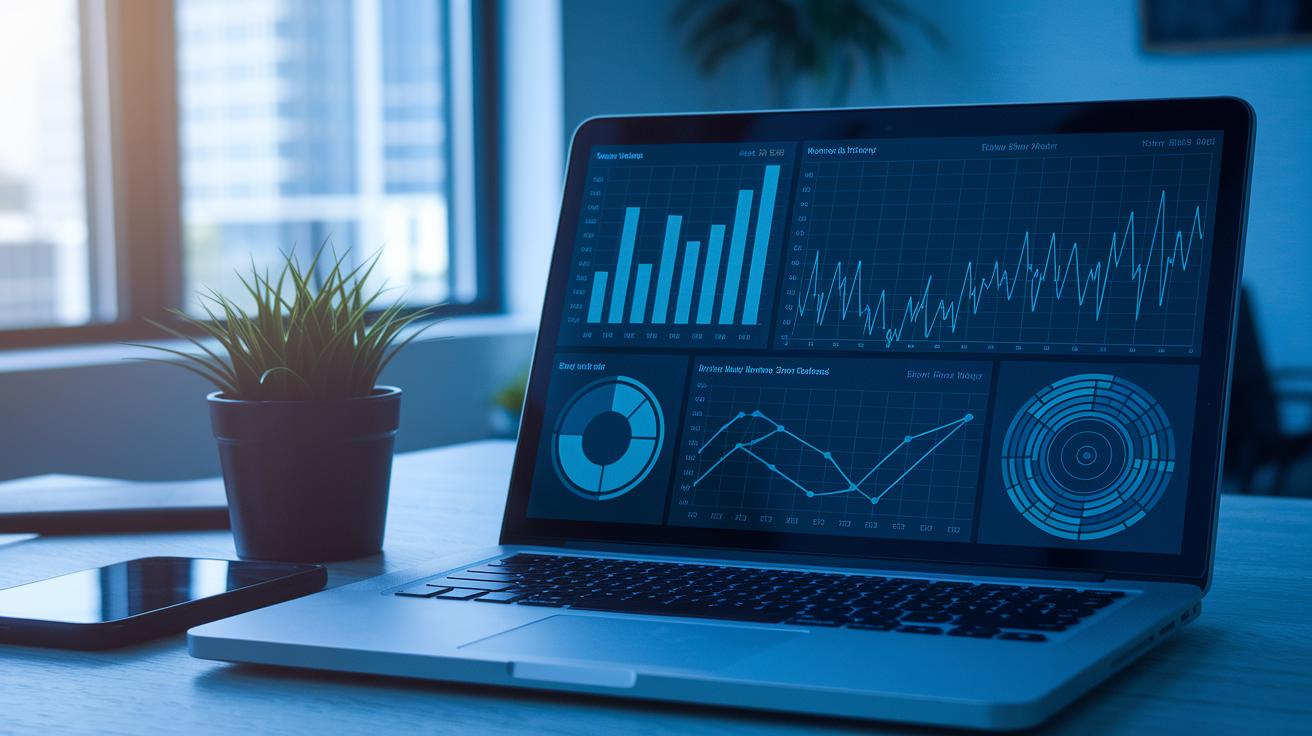
Campaign performance analysis tools are getting a smart upgrade. They now use AI-based predictive analytics (tech that helps forecast future outcomes) to give you a heads-up about what might happen. This means you can tweak budgets and adjust creative strategies on the fly. Plus, these tools now use privacy-first tracking methods like cookieless measurement, which helps you keep in line with GDPR and CCPA rules.
Imagine having a single dashboard that pulls together all your metrics, both online and offline. Or think about a mobile-focused insights tool that updates you on campaign performance wherever you go. One marketer even said, "I adjusted our ad strategy in real time when our dashboard flagged a sudden shift in engagement," showing just how impactful real-time data can be.
Next, marketers should get ready for deeper multi-touch attribution models. These tools help you understand how different customer interactions build up to a sale. Alongside this, multivariate testing platforms let you run different creative assets at once to see what works best.
Machine learning is also stepping in with automated optimization suggestions. This trend evaluation software continuously fine-tunes your campaigns, ensuring that even as trends shift, you have the right tools to boost ROI. In short, these next-generation capabilities turn raw data into clear, actionable insights that drive growth.
Final Words
In the action, we traced top campaign performance analysis tools by comparing features, pricing, and integrations.
We reviewed how multi-channel tracking, predictive insights, and real-time dashboards shape smarter marketing decisions.
Each section unraveled core capabilities, from data integration to optimization steps, ensuring tools meet specific budget and support needs.
This hands-on look empowers smart decisions and paves the way for greater ROI.
Keep moving forward, knowing these campaign performance analysis tools help simplify complex data into clear advantages on your marketing path.
FAQ
What are some free campaign performance analysis tools?
Free campaign performance analysis tools include platforms such as Google Analytics and Looker Studio that help consolidate data, track website interactions, and provide insights without adding extra expenses.
What are the best campaign performance analysis tools?
The best campaign performance analysis tools blend data consolidation with real-time insights. They typically include options like Google Analytics, HubSpot, and Adobe Analytics to streamline reporting and refine digital strategies.
What marketing analytics tools and techniques are used?
Marketing analytics tools and techniques involve using platforms like Google Analytics, Semrush, and HubSpot to compile data from web, social, and email channels, while techniques such as descriptive, diagnostic, predictive, and prescriptive analysis help interpret performance.
How do you analyze campaign performance?
Analyzing campaign performance means collecting and reviewing data from multiple channels, tracking key engagement metrics, and using interactive dashboards to identify trends that guide strategy adjustments in real time.
What are the 4 types of data analysis?
The four types of data analysis are descriptive (what happened), diagnostic (why it happened), predictive (what may happen), and prescriptive (what should be done) to support informed marketing decisions.
What tools do marketing analysts use?
Marketing analysts commonly use tools like Google Analytics, Semrush, HubSpot, Looker Studio, Microsoft Power BI, and Mixpanel. These platforms offer features such as real-time monitoring and AI insights to boost campaign performance.
What is the best tool for market analysis?
The best tool for market analysis depends on your specific needs, but many marketers favor Google Analytics for its detailed insights and user-friendly interface, often complemented by HubSpot for integrated reporting and campaign tracking.