
Ever found yourself wondering if your competitor analysis slides just aren’t making the impact they should? There’s a free PowerPoint template that could be exactly what you need, loaded with ready-to-edit, custom designs to turn plain market data into vivid visual stories.
Imagine flipping through a deck where each slide spotlights an important data point, making your report not only clear but genuinely engaging. It isn’t just a bunch of slides, it’s a visual tool that breathes life into your competitor research.
Stick around to discover how these customizable visuals can inject fresh energy into your presentations, ensuring you always stay one step ahead in the competitive game.
Get Your Free Competitive Analysis Template PowerPoint

Grab this free, ready-to-use competitive analysis template that works great with both PowerPoint and Google Slides. It's designed for teams who need a quick, engaging way to showcase thorough competitor research and market insights. With its easy-to-customize features, you can tweak the layout to fit your unique business style while keeping your presentation crisp and data-driven.
This deck offers:
- Fully customizable slides so you can change text, colors, and graphics to match your brand.
- A comprehensive collection of slides covering everything from executive overviews to detailed competitor benchmarks.
- Several strategic frameworks, including competitor benchmarking and market overviews (think of it as your visual strategy map).
- A range of chart options, including market share visuals, trend graphs, and more creative tools beyond the basic 2by2 model.
- Compatibility with top-notch presentation software, ensuring your work flows smoothly across different platforms.
Integrating this template into your strategic planning is as simple as a few clicks. Custom slide layouts and meaningful market dimensions, including adjustable X and Y axes, help you transform raw data into sharp, compelling visuals during meetings. It’s a breeze to present and analyze key insights, letting your presentation evolve with your business, so you can always stay a step ahead of the competition.
Key Slide Structure in Competitive Analysis Template PowerPoint

Breaking up your slides into neat sections makes your presentation feel easy to follow. When you split your content into parts, you separate big-picture strategy from the nitty-gritty details. This clear setup helps everyone spot the key insights that drive smart decisions.
Dividing your slides also keeps your talk organized into bite-sized pieces. First, a quick overview sets the stage by showing the big picture of where you stand against competitors. Then, detailed sections dive into hard numbers and qualitative insights. Finally, a slide with strategic recommendations points everyone toward the next clear steps.
| Category | Sample Slides | Slide Count |
|---|---|---|
| Overview Slides | Exec Summary, Market Overview, Competitor Identification | 3 |
| Analysis Slides | SWOT, Product Comparison, Customer Analysis, Marketing Strategy, Financials, Tech & Innovation | 6 |
| Recommendation Slides | Strategic Recommendations | 1 |
Overview Slides
These slides set the stage for everything that follows. The Exec Summary gives a quick, impactful snapshot of the key insights, while the Market Overview explains the current market vibe. Competitor Identification lays out the main players in your field. For example, you might kick off with a surprising fact like, "Our leading competitor grabbed 35% market share in three years," to catch everyone’s attention.
Analysis Slides
Next, the analysis slides take another look at the details. The SWOT Analysis offers a balanced view of strengths, weaknesses, opportunities, and threats (with SWOT standing for Strengths, Weaknesses, Opportunities, and Threats). Then, the Product Comparison and Customer Analysis break down features and customer responses. Finally, slides on Marketing Strategy, Financials, and Tech & Innovation compare important numbers and insights, turning raw data into a story about your competitive edge.
Recommendation Slides
The final slide ties it all together. Here, the Strategic Recommendations slide blends the data and insights into actionable next steps. It points the way forward with clear strategies, pushing your team to take the next big leap.
Customizing Your Competitive Analysis Template PowerPoint

Start by noticing how making your deck truly your own transforms it into a real reflection of your brand. This template lets you tweak every visual detail, ensuring your data really pops.
When setting up your chart, pick X and Y values that matter. Instead of just using price, dig deeper. For example, you might plot customer satisfaction on one side and market reach on the other. As your company grows, stretching beyond a simple 2×2 grid by adding extra markers, like little Harvey Balls (quick visual signals), can really show off different performance points. This strategy highlights what makes your business unique and keeps investor confidence strong.
Lastly, focus on design touches that reinforce your brand’s identity. Tweak the colors, fonts, and icons until they match your look perfectly. It’s like fine-tuning your favorite playlist to capture your brand’s vibe. These adjustments sharpen your message and empower your team to share strategic insights with clarity. For more on customizing segmentation and analysis frameworks, check out our marketing analysis framework.
Integrating Data Visualization in Competitive Analysis Template PowerPoint

Polished charts turn a jumble of numbers into clear, actionable insights. This template packs in editable McKinsey-style graphics, icons, and charts, so you can easily highlight key metrics. Whether you’re showcasing market share snapshots or tracking historical growth, these visuals make your presentation pop and help your audience catch the main ideas at a glance.
Market Share & Growth Charts
Think of a slide where a bar chart shows one column soaring ahead of the rest. It’s that clear visual that might prompt comments like, "Wow, our competitor jumped 20% last quarter!" These crisp graphics bring focus and clarity, turning raw data into persuasive stories that drive strategic conversations.
Segmentation & Adoption Curve Visuals
Imagine graphics that breathe life into your segmentation data. An adoption curve might gently reveal how a new product gradually picks up momentum, letting everyone understand the picture without getting lost in numbers. These visuals break down complex metrics into easily digestible snapshots, keeping every stakeholder right alongside the action.
Customer Journey & Benchmarking Graphics
Customer journey maps and side-by-side benchmarking charts paint a direct picture of how your offerings stack up against the competition. By mapping out customer experiences and comparing performance side by side, these slides transform hard data into a clear, strategic roadmap. It’s like reading a story where every detail helps you see the next step forward.
Competitive analysis template powerpoint: Captivating Customizable Slides
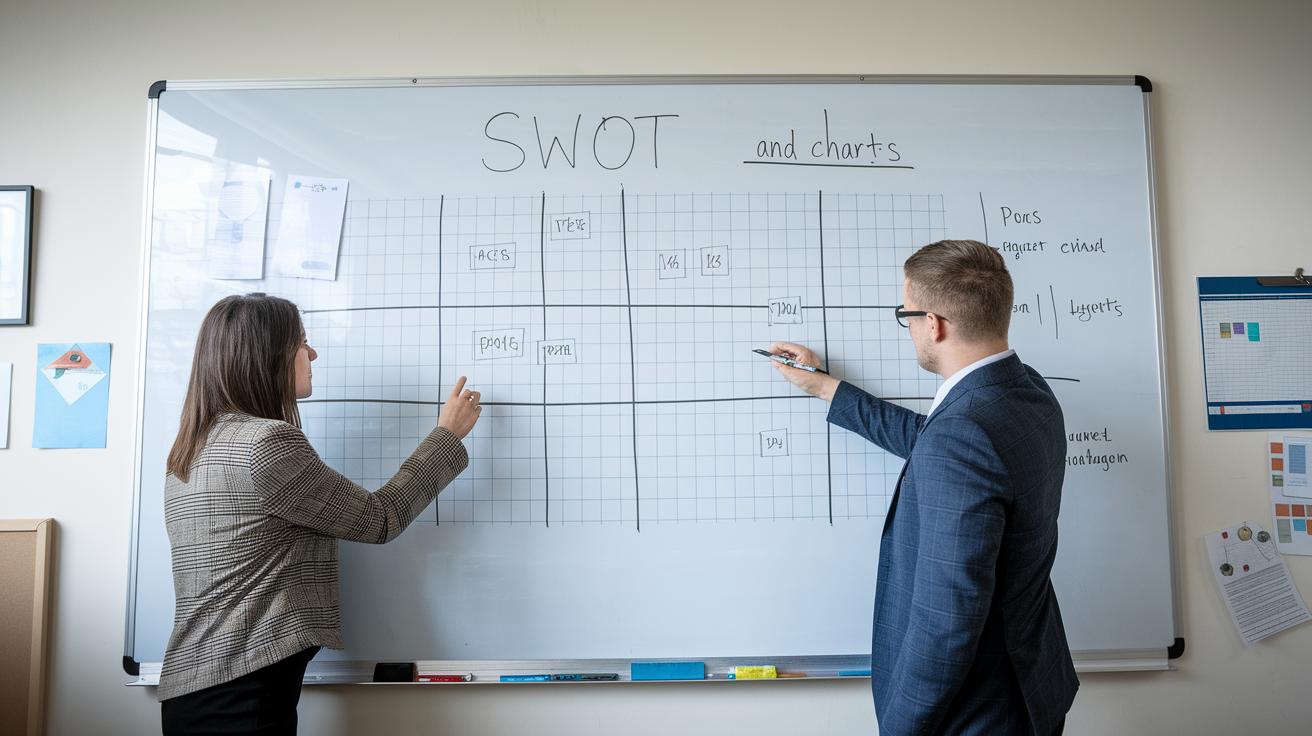
When you start a competitive analysis, you need a clear game plan. Instead of focusing only on price, pick evaluation metrics that tie directly to your goals, think about market reach, brand impact, or even operational performance. Mix in financial figures like revenue and margins (yes, even estimates for private companies count). Try a SWOT analysis (a look at strengths, weaknesses, opportunities, and threats) for each competitor. Kick it off with a bold statement such as, "Our competitor boosted margins by 25% last quarter, reshaping market expectations," to grab attention right away.
Next up, nail down your data. Gather solid financial facts and qualitative insights to build a strong presentation. Include industry benchmarks and accurate revenue details where you can find them. It’s like setting the stage with all the right pieces: detailed data helps you shape a clear and complete competitive landscape. And if you’re new to this, there are plenty of guides on how to conduct a marketing analysis.
Finally, bring in the team. Use user-friendly collaboration tools and data-visualization add-ons so everyone can pitch in their thoughts live. Think about a dashboard that updates in real time, showing subtle shifts in competitor performance. This keeps your analysis lively and ready for action during your strategic planning.
Comparing Free vs Premium Competitive Analysis Template PowerPoint Options

Free templates are your quick way to get basic competitor insights. They generally come with just one or a few slides featuring simple charts. It’s like grabbing a fast snapshot of your market without any extra fluff.
On the other hand, premium templates are built to impress. Imagine 114 fully editable slides crafted with McKinsey-style frameworks, professional graphics, and clear icons. They even throw in bonus charts to help you dive deep into market details. For example, while a free template might let you note a "15% gap in market share" with one basic chart, a premium deck lays out detailed market segmentation over multiple slides.
| Option | Price | Slide Count | Graphics & Icons | Bonus Resources |
|---|---|---|---|---|
| Free Template | $0 | 1–3 | Basic | n/a |
| Premium Template | $199 | 114 | Professional, McKinsey-style | Market guides, segmentation, industry frameworks |
| Premium + Coaching | $298 | 114 + session | Same as Premium | Includes one-hour coaching, free strategy guides |
Ultimately, your choice depends on your needs and budget. If you just need a simple competitor overview, the free version might be just right. But if your team is after deeper analysis and a polished presentation, a premium option will save you time and boost your strategy. With less effort on design, you can focus on turning raw data into a winning competitive edge.
Final Words
In the action, we unpacked a ready-to-use resource that offers a free, customizable competitive analysis template PowerPoint. You learned how to tap into frameworks for competitor benchmarking and detailed visuals, from market overviews to tailored charts.
The guide gently walks you through slide features, smart data integration, and strategic customization so you can build a compelling competitor deck. This clear, hands-on approach leaves you primed to gain fresh insights and power your next marketing move.
FAQ
Frequently Asked Questions
Where can I download a free competitive analysis template PowerPoint?
The free competitive analysis template PowerPoint is available for immediate download. It’s fully customizable and works with both PowerPoint and Google Slides, giving you a ready-to-use tool for strategic planning.
Where can I find competitor analysis templates in formats like Canva or Excel?
The competitor analysis templates are offered in various formats, including Canva and Excel. This allows you to choose a design tool that best fits your workflow and presentation style.
What is considered the best competitive analysis template PowerPoint?
The best competitive analysis template PowerPoint combines clear visuals, multiple slide frameworks, and editable components. It provides vital benchmarks, market insights, and easy customization for effective competitive evaluations.
What does a competitor analysis presentation typically include?
A competitor analysis presentation typically includes slides for an executive summary, market overview, competitor identification, SWOT analysis, product comparison, and strategic recommendations, clearly outlining market positions and insights.
What are the 4 P’s of competitive analysis?
The 4 P’s of competitive analysis refer to Product, Price, Promotion, and Place. They help you compare competitors by evaluating key market factors and identifying opportunities for growth in each area.
How can I create a competitor analysis presentation?
Creating a competitor analysis presentation starts by gathering competitive data, organizing insights into professional slides, and using built-in frameworks like SWOT and benchmarking charts. This structured approach helps guide strategic decisions.
Does PowerPoint offer a SWOT analysis template for competitor analysis?
Yes, PowerPoint provides a built-in SWOT analysis template. It lets you quickly outline strengths, weaknesses, opportunities, and threats, facilitating a structured evaluation of your competitive landscape.
What are the five steps to perform a competitive analysis?
The five steps include identifying competitors, gathering pertinent data, analyzing strengths and weaknesses, benchmarking performance, and summarizing insights. This method gives you a clear, actionable framework for competitive evaluation.